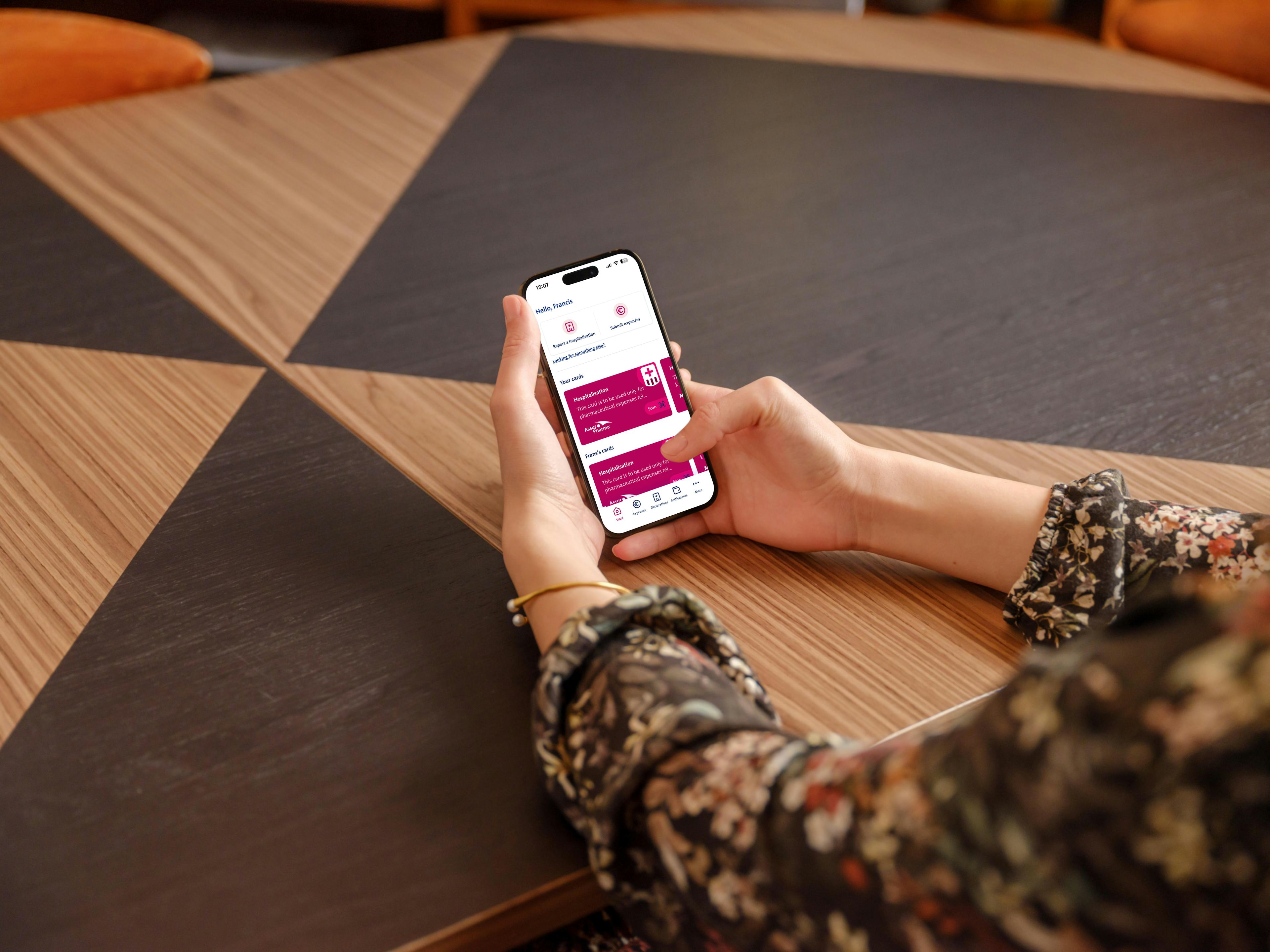
Vanbreda App
Arrange your hospitalization even faster with your own account
Register your account to report hospitalisations even faster
Reporting a hospital admission is even easier when you’re logged into Vanbreda with your personal account. Your profile contains your personal details, allowing you to submit hospital admissions and related expenses more quickly and track the status of your reimbursements.
Always report your hospital admission as soon as possible. This allows us to start working on your file immediately and activate the third-party payment scheme. This way, your hospital is immediately informed of your insurance, so you don’t have to pay your hospital bills upfront and wait for reimbursement.
Through the Medi-Link third-party payment scheme, your hospital sends the bill for your hospital stay directly to Vanbreda. We’ll reimburse your costs according to the terms of your insurance policy and send you a settlement note. If you don’t have Medi-Link or submit your hospital admission too late, you’ll first pay the hospital bill yourself and then forward it to us for reimbursement according to your policy terms.
Step 1
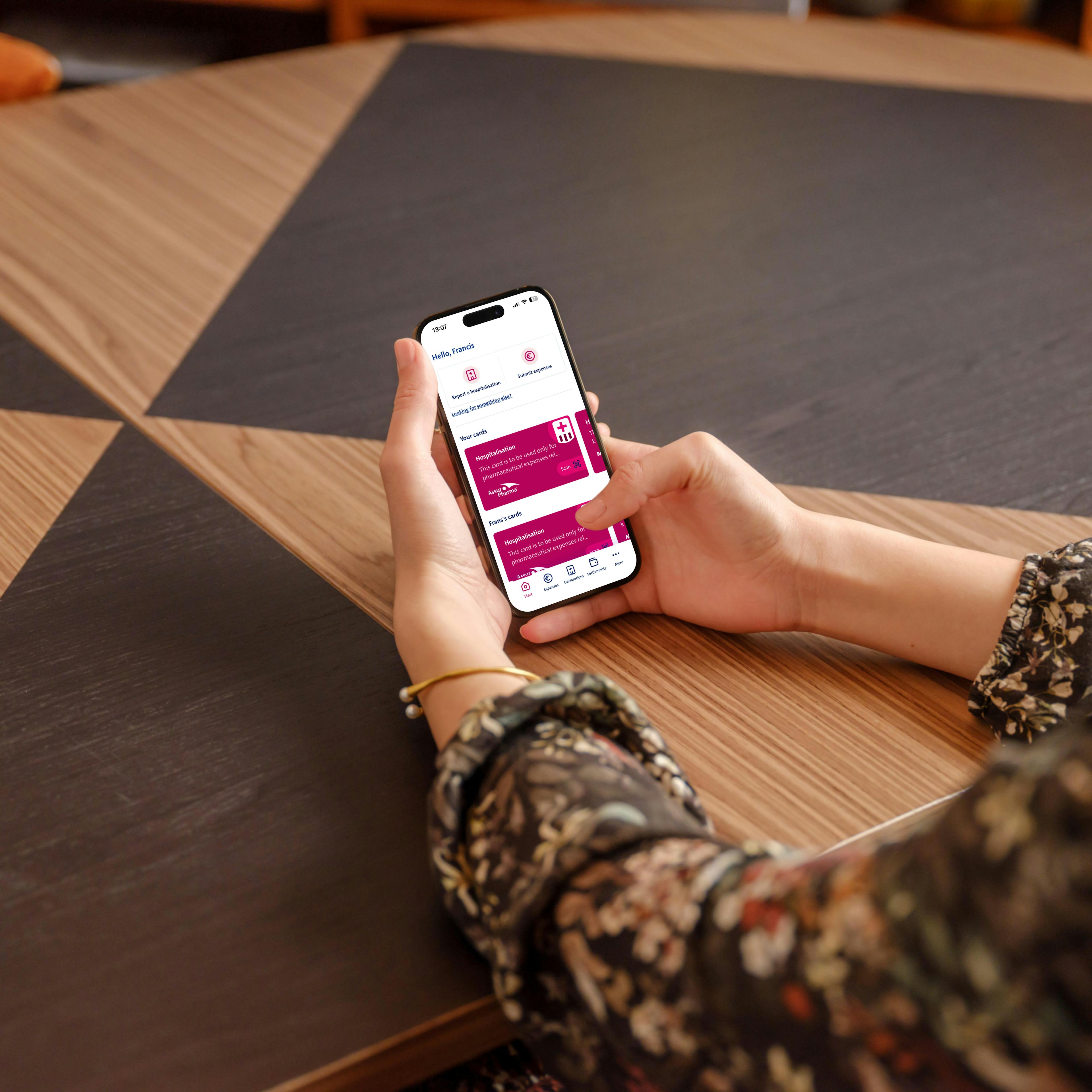
Open your Vanbreda App or the web portal
Open the Vanbreda App on your phone or go to the web portal and select ‘Report a hospitalisation ’. You can sign in to your profile, create an account or report a hospital admission without an account.
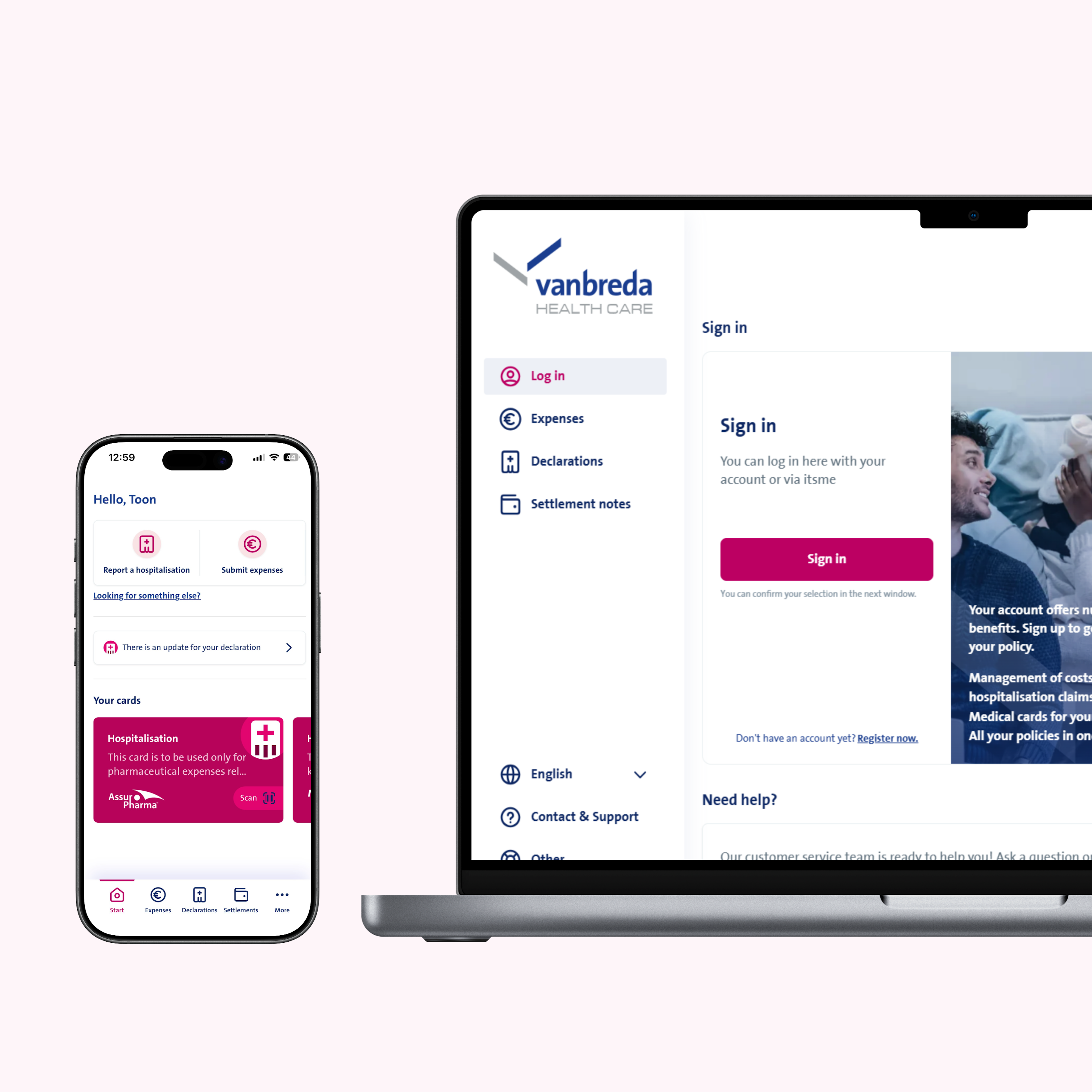
en-portal-app-overview
Step 2
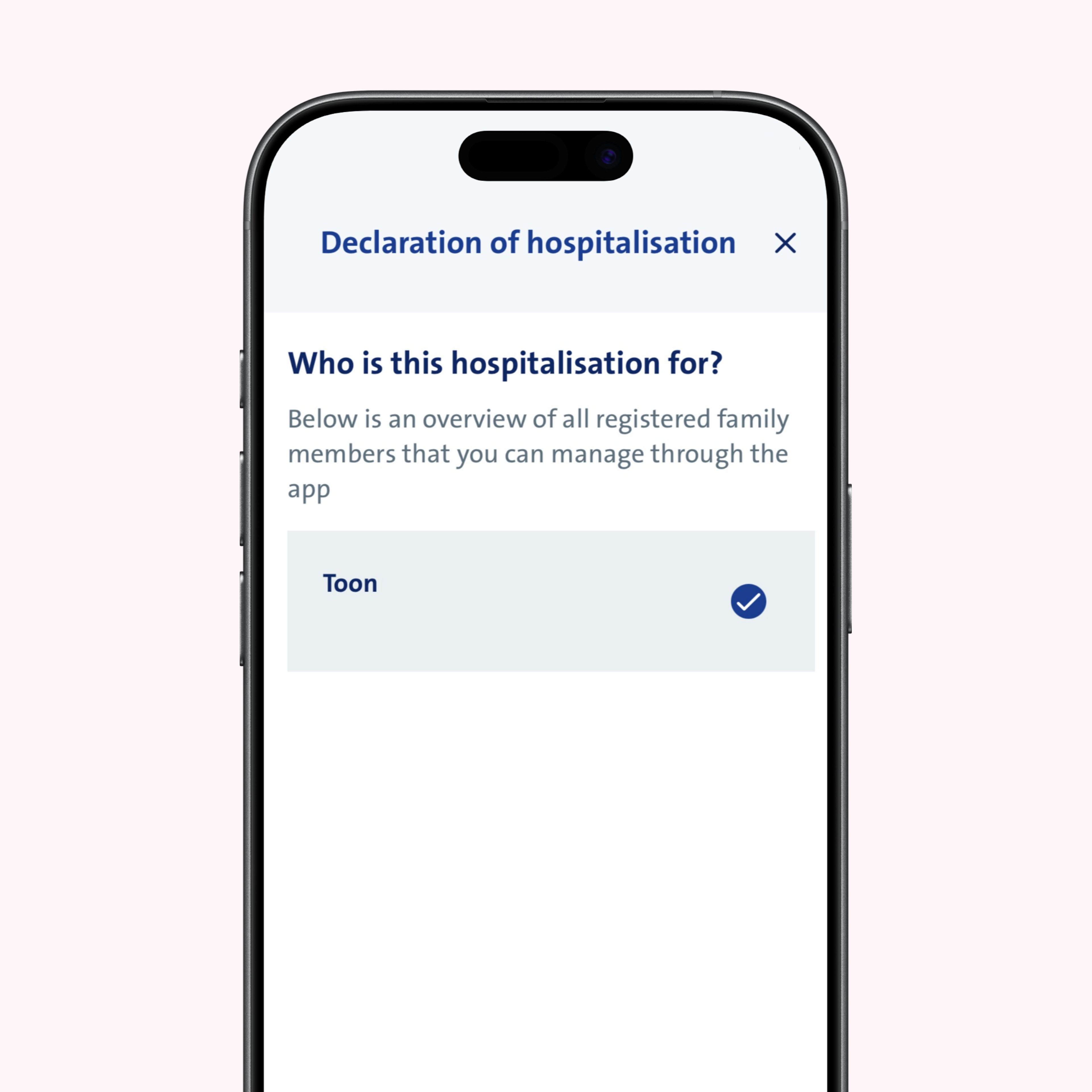
Select the family member
Indicate which family member you’re reporting the hospital admission for. Logged in? We’ll fill in the personal details automatically. Not logged in? Then enter the first name, surname, email address and date of birth.
Step 3
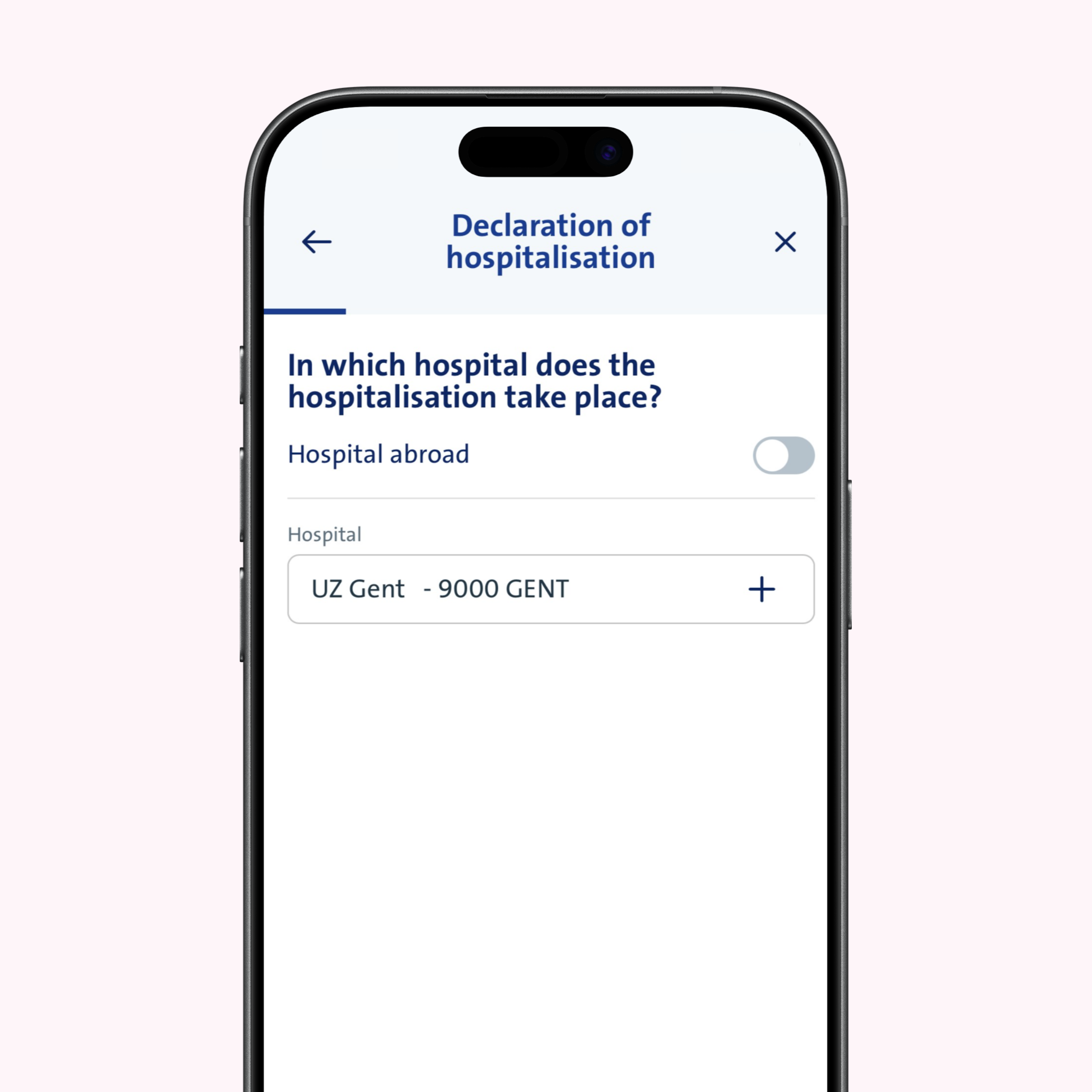
Select your hospital
Indicate the hospital where you or your family member will be admitted. You can search by hospital name, municipality or postcode. A hospital admission abroad? Tick the corresponding checkbox.
Step 4
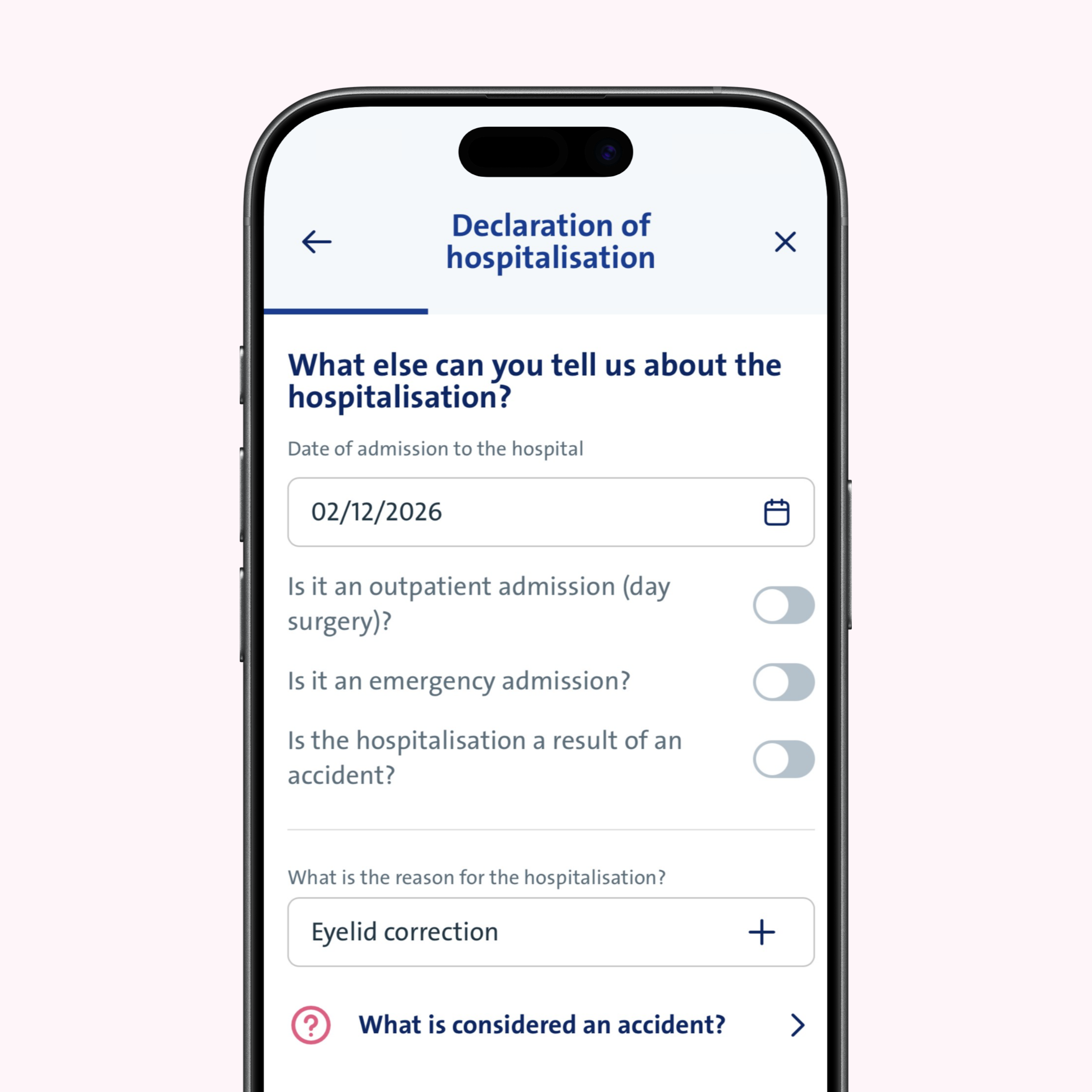
Additional information about the hospitalisation
Enter the date and reason for your hospitalisation. Has the date changed later? Then submit a new report. Choose a reason from the list or enter your own. Have you been hospitalised as a result of an accident? Tick the relevant box and answer the additional questions.
Step 5
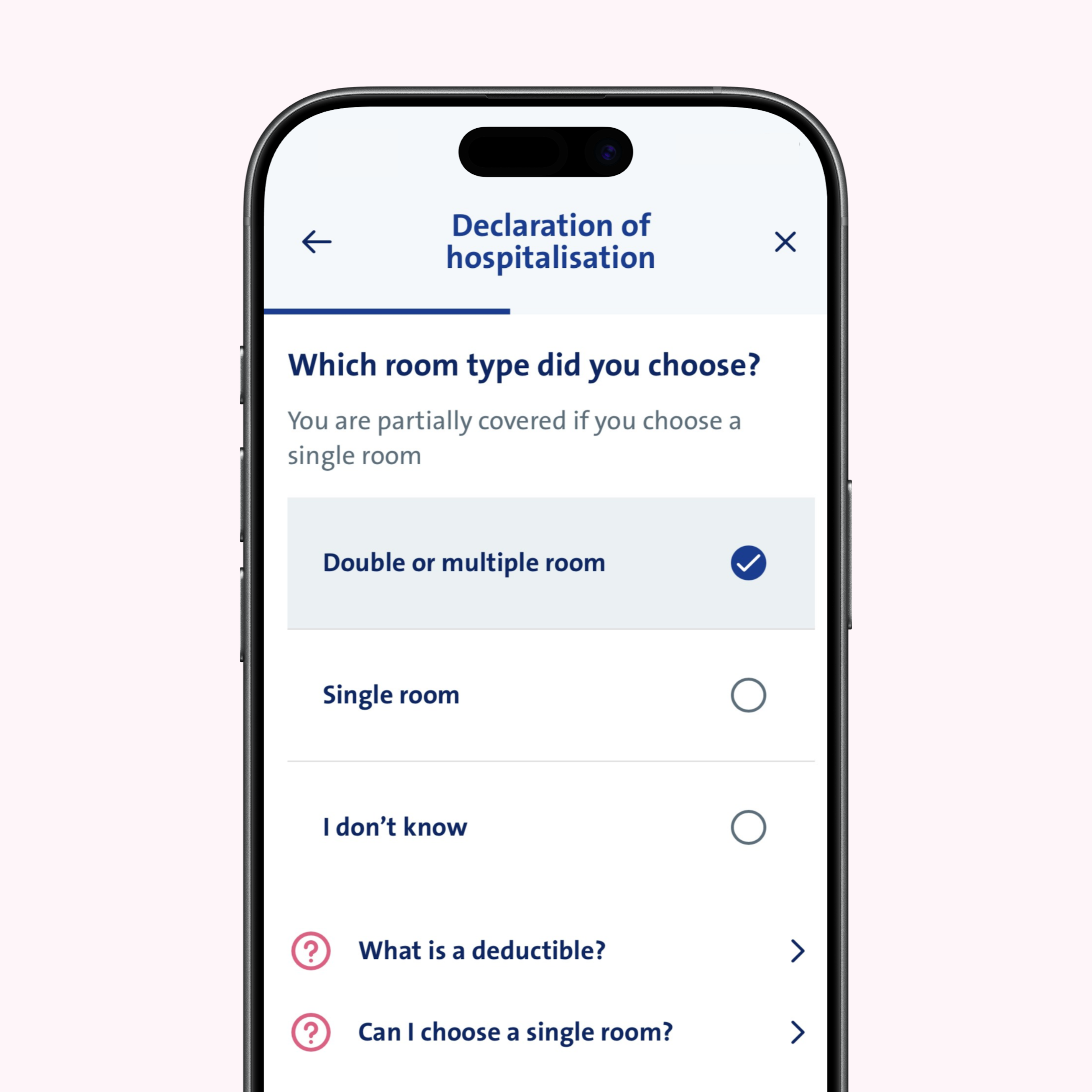
Choose your room type
Select the preferred room type for your hospital stay. For more details about possible additional costs for a single room, check your policy terms using the button below your digital Medi-Link card to see which costs and supplements are covered by your insurance.
Step 6
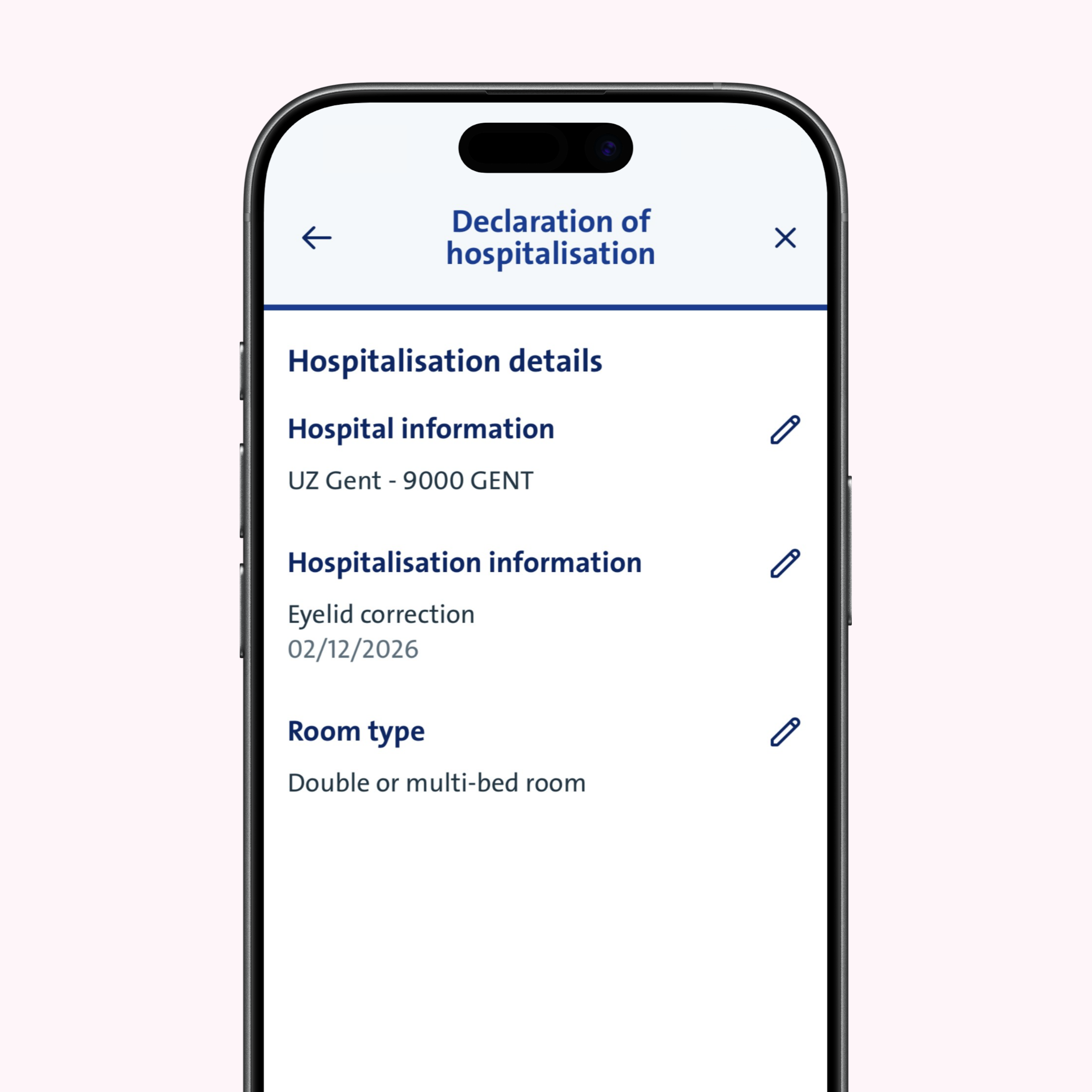
Overview and confirmation
Review your details in the summary. Need to make any changes? Click or tap the pencil icon to edit your information.
Step 7
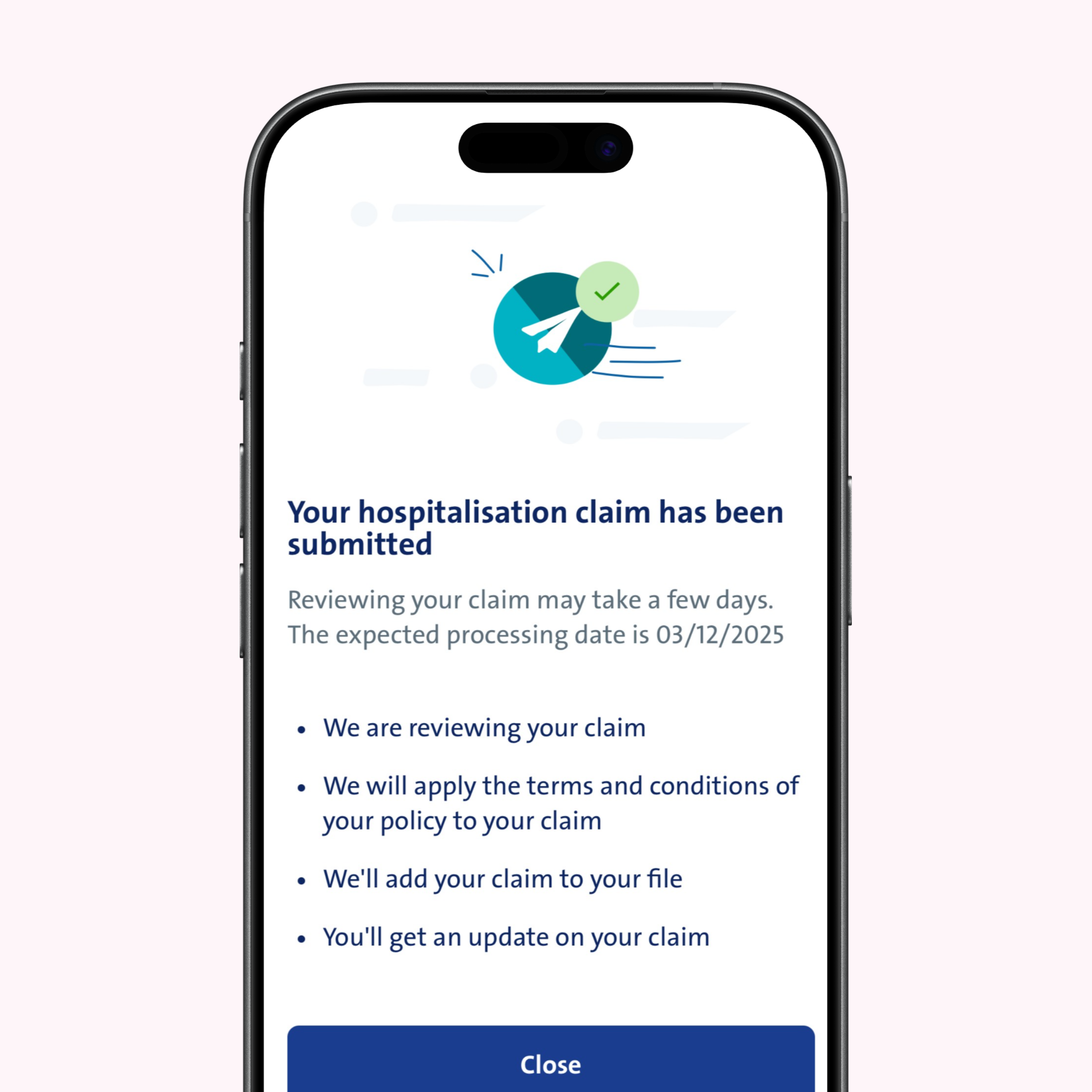
Report successfully submitted
Great! Your report has been submitted. We’ll process your declaration for reimbursement as quickly as possible and keep you updated on its status via the Vanbreda App or by email.
Step 8
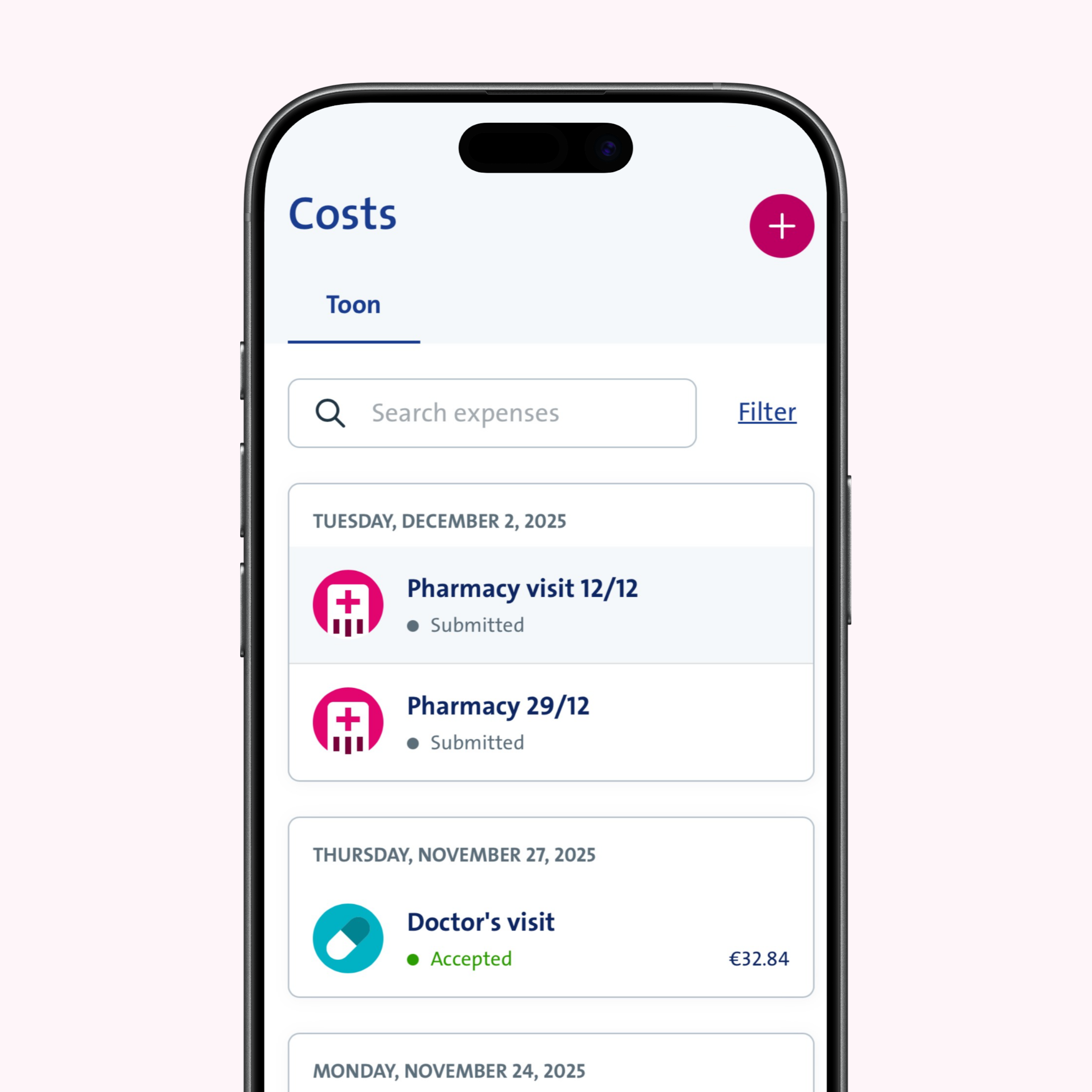
Submit additional hospital expenses
Have you incurred additional costs during your hospital stay? You can easily submit these expenses later using the Vanbreda App or the web portal.
Questions?
Do you need help reporting your hospital admission? No worries! You’ll find more info at app.vanbreda.be/support. There, you can read answers to the most common questions or contact our experts directly. We’re always here to help you.